
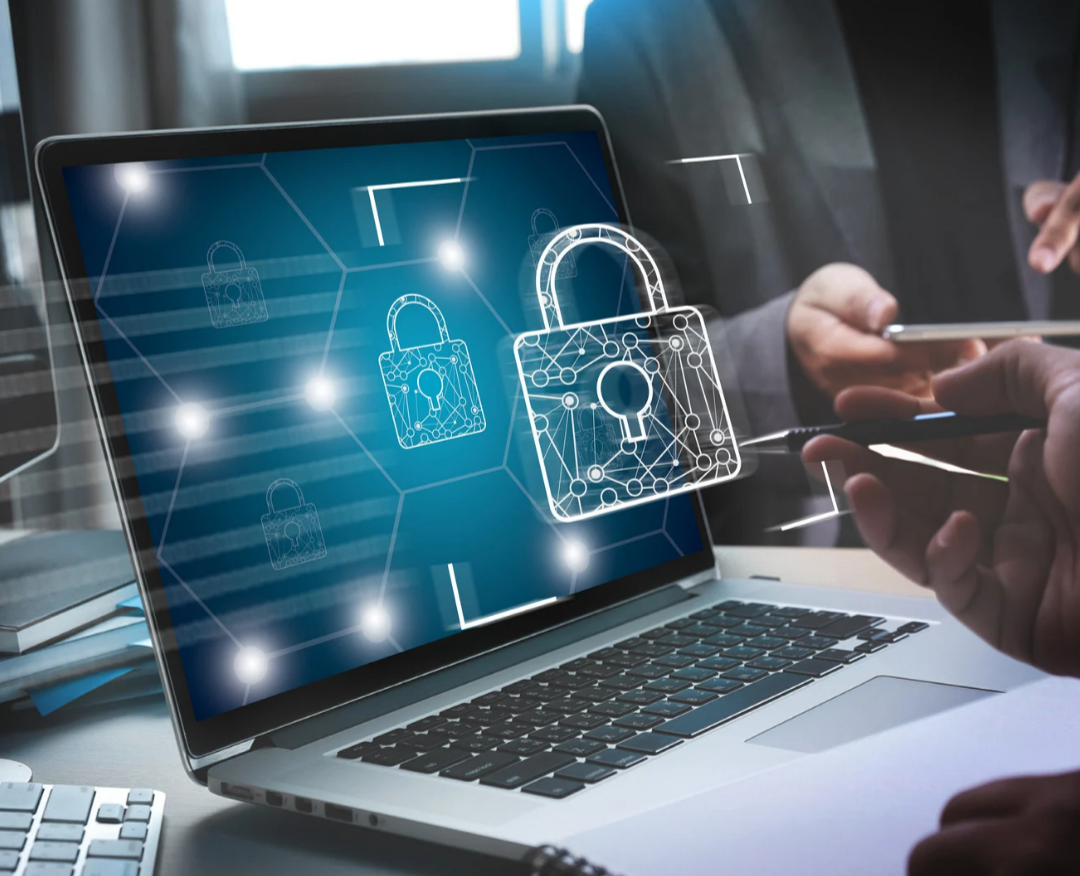
Cyber threats are becoming an increasingly serious concern for businesses of all sizes. From small businesses and startups to large organizations, companies depend on computers, websites, mobile devices, cloud platforms, email, and digital payment systems to operate every day.
Unfortunately, cybercriminals are also becoming more sophisticated. A single compromised password, malicious email attachment, infected computer, or vulnerable website can expose sensitive business information and disrupt operations.
Protecting your business from cyber threats therefore requires more than installing antivirus software. Businesses need a comprehensive cybersecurity strategy that combines technology, employee awareness, strong policies, regular backups, and continuous monitoring.
At Skylight Global Tech, we understand the importance of protecting business systems and digital assets. In this article, we explore practical cybersecurity measures every business should consider.

Read more about us – https://skylightglobaltech.com
What Are Cyber Threats?
Cyber threats are malicious activities designed to gain unauthorized access to computer systems, networks, websites, applications, or data.
Common examples include:
- Phishing attacks
- Malware and viruses
- Ransomware
- Password attacks
- Social engineering
- Business email compromise
- Website attacks
- Data breaches
- Identity theft
- Denial-of-service attacks
Cyberattacks can result in financial losses, stolen information, reputational damage, legal problems, and interruption of business operations.
Why Cybersecurity Is Important for Businesses
Businesses store and process valuable information such as customer details, employee records, financial information, passwords, business documents, intellectual property, and transaction data.
A successful cyberattack can cause:
- Loss of confidential information
- Financial losses
- Business downtime
- Loss of customer trust
- Damage to brand reputation
- Unauthorized transactions
- Legal and regulatory consequences
- Permanent loss of important files
Cybersecurity should therefore be treated as a business priority rather than an optional IT expense.
1. Use Strong and Unique Passwords
Weak passwords are one of the easiest ways for attackers to gain access to business accounts.
Employees and business owners should use strong passwords containing a combination of letters, numbers, and symbols.
Avoid passwords based on easily guessed information such as:
- Names
- Birth dates
- Phone numbers
- Company names
- Simple number combinations
- Common words
Most importantly, avoid using the same password across multiple accounts.
Consider using a reputable password manager to securely create and store strong passwords.
2. Enable Multi-Factor Authentication
Multi-factor authentication (MFA) provides an additional layer of security beyond a password.
With MFA enabled, users may be required to provide a second verification method, such as an authentication app, security key, or other approved method.
Even if a password is stolen, MFA can make unauthorized access significantly more difficult.
Enable MFA on important services such as:
- Business email
- Website administration
- Cloud storage
- Banking and financial platforms
- Social media accounts
- Hosting accounts
- Domain registrar accounts
3. Train Employees to Recognize Phishing
Employees are often targeted by cybercriminals because attackers know that human error can bypass technical security measures.
Phishing messages may appear to come from:
- A manager
- A bank
- A customer
- A supplier
- A government organization
- A technology company
Employees should be trained to identify suspicious links, unexpected attachments, urgent requests, fake login pages, and unusual payment instructions.
Before clicking a link or opening an attachment, employees should verify that the message is legitimate.
4. Keep Software and Systems Updated
Outdated software can contain security vulnerabilities that attackers may exploit.
Regularly update:
- Operating systems
- Web browsers
- WordPress and other CMS platforms
- Plugins and themes
- Mobile applications
- Antivirus software
- Business applications
- Network devices
Enable automatic updates where appropriate, but businesses should also maintain a process for monitoring important systems and confirming that updates have been successfully installed.
5. Back Up Important Business Data
A reliable backup strategy can help your business recover from ransomware, hardware failure, accidental deletion, theft, or other incidents.
Important data may include:
- Customer records
- Financial documents
- Contracts
- Business databases
- Website files
- Emails
- Employee records
- Project documents
Do not rely on a single copy of important information. Maintain secure backups and regularly test whether the backups can actually be restored.
6. Secure Your Business Website
Your website is an important part of your digital presence and can also become a target for attackers.
For WordPress websites, businesses should:
- Keep WordPress updated
- Update plugins and themes
- Remove unused plugins and themes
- Use strong administrator passwords
- Limit administrator accounts
- Use secure hosting
- Install an SSL certificate
- Maintain regular backups
- Monitor for suspicious activity
Website security should be treated as an ongoing process rather than a one-time installation.
7. Protect Your Business Network
A poorly secured network can provide attackers with an opportunity to access connected devices and systems.
Businesses should consider:
- Using strong Wi-Fi passwords
- Changing default router credentials
- Keeping routers and network equipment updated
- Separating guest networks from business networks
- Using firewalls
- Restricting unnecessary network access
- Monitoring unusual network activity
For organizations with larger networks, professional network security assessments can help identify weaknesses.
8. Secure Mobile Devices
Employees increasingly use smartphones, tablets, and laptops to access business information.
These devices should be protected with:
- Strong passwords or PINs
- Biometric authentication where appropriate
- Device encryption
- Updated operating systems
- Security software
- Screen-lock settings
- Remote-wipe capabilities where appropriate
Employees should also avoid connecting business devices to untrusted networks and downloading applications from questionable sources.
9. Limit Access to Sensitive Information
Not every employee needs access to every business system or document.
Use the principle of least privilege, which means employees should receive only the access required to perform their responsibilities.
For example, an employee who manages social media may not need access to financial records or website hosting credentials.
Limiting access can reduce the potential damage if an account is compromised.
10. Be Careful with Business Email
Business email accounts are attractive targets for cybercriminals.
Attackers may attempt to impersonate executives, suppliers, customers, or financial institutions.
Be particularly careful when receiving unexpected requests involving:
- Bank account changes
- Payments
- Password resets
- Confidential documents
- Login credentials
- Gift cards
- Urgent financial transfers
Always independently verify unusual financial or sensitive requests before taking action.
11. Use Reliable Security Solutions
Businesses should deploy appropriate cybersecurity tools based on their size, industry, infrastructure, and risk level.
Security measures may include:
- Antivirus and endpoint protection
- Firewalls
- Email security
- Website security tools
- Secure backups
- Vulnerability scanning
- Access controls
- Security monitoring
However, security software should complement—not replace—employee awareness and proper security procedures.
12. Create a Cybersecurity and Incident Response Plan
Every business should know what to do if a cyberattack occurs.
A basic incident response plan should identify:
- Who is responsible for responding to the incident?
- Which systems should be isolated?
- How should affected accounts be secured?
- Where are the backups located?
- Who should be notified?
- How will customers or partners be informed if necessary?
- How will the business restore normal operations?
Having a plan before an incident occurs can reduce confusion and minimize downtime.
Read more about us – https://skylightglobaltech.com
Common Cybersecurity Mistakes Businesses Should Avoid
Some of the most common mistakes include:
- Using weak passwords
- Sharing passwords with colleagues
- Ignoring software updates
- Failing to back up data
- Clicking unknown links
- Opening suspicious attachments
- Giving employees unnecessary administrative access
- Using unsecured public Wi-Fi for sensitive activities
- Leaving former employees’ accounts active
- Ignoring website security
- Assuming that small businesses are not targets
Cybercriminals can target businesses of any size, so every organization should take reasonable steps to protect its digital assets.
How Employees Can Help Improve Cybersecurity
Cybersecurity is everyone’s responsibility.
Employees should:
- Use strong passwords
- Enable MFA
- Report suspicious emails
- Avoid unknown downloads
- Lock their computers when away
- Protect company devices
- Follow company security policies
- Avoid sharing confidential information unnecessarily
- Report suspected security incidents immediately
Regular cybersecurity awareness training can help employees develop safer digital habits.
Final Thoughts
Protecting your business from cyber threats requires a combination of technology, people, processes, and continuous vigilance.
Strong passwords, multi-factor authentication, regular updates, secure backups, employee training, website protection, network security, and access controls can significantly strengthen your organization’s cybersecurity posture.
No cybersecurity strategy can guarantee that a business will never experience an attack. However, preparing properly can reduce risk and improve your ability to detect, respond to, and recover from security incidents.
At Skylight Global Tech, we provide ICT solutions and technology services designed to help businesses operate more effectively and securely. From website development and management to digital technology solutions and ICT training, we can help your organization make better use of technology.
Need Professional ICT Support?
If you need help securing your website, improving your organization’s digital infrastructure, or training your team in essential technology skills, Skylight Global Tech is ready to assist.